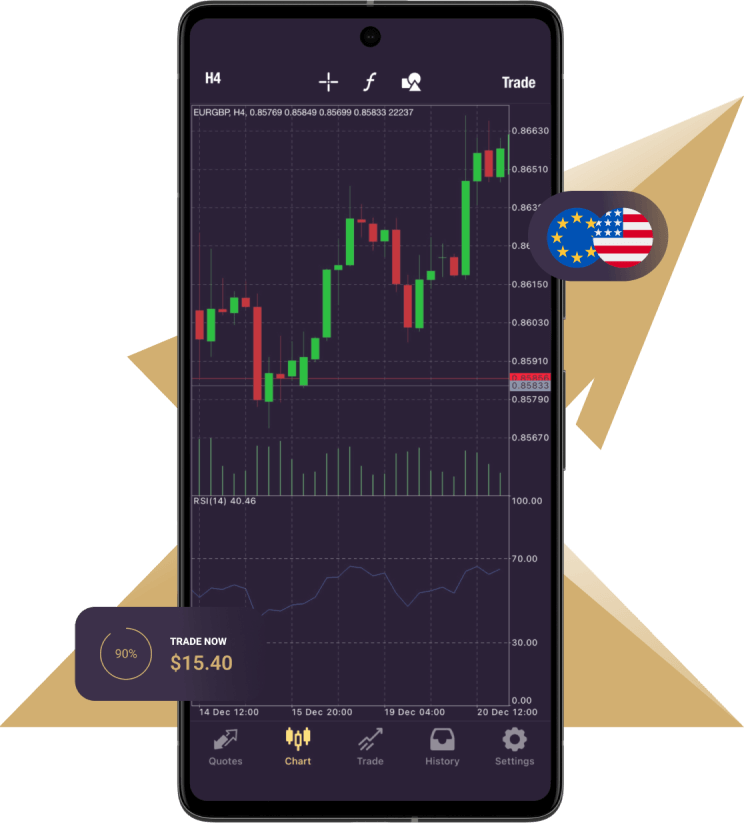
MetaTrader 4 (MT4) remains one of the most widely used trading platforms for forex and CFD markets. With its robust tools and user-friendly interface, it’s no wonder traders across the globe prefer using it. If you’re looking to trade on the go, setting up mt4 for ios is straightforward. Here’s a quick guide to get you started.
Step 1: Download the MT4 App
The first step is grabbing the MT4 app from the App Store.
1.Open the App Store on your iPhone or iPad.
2.Use the search bar to type in “MetaTrader 4.”
3.Click on the correct app, then tap Get to download and install it.
Once downloaded, allow the app the necessary permissions to function.
Step 2: Log in to Your Trading Account
After installation:
1.Open the MT4 app.
2.On the home screen, select Login to an Existing Account if you already have a trading account. If you don’t, create one by selecting Open a Demo Account.
3.Enter your broker’s name into the search field to find your broker’s server. Choose the correct server based on your account information.
Once entered, input your trading account username and password to gain access.
Step 3: Customize Your MT4 Experience
MT4 offers a wide range of tools you can adjust to suit your trading style. Start by:
•Navigating to Quotes to view current market rates.
•Clicking Charts to display real-time trends and use technical indicators for analysis.
•Exploring the Bottom Menu for access to settings and account control.
With its intuitive layout, you can quickly familiarize yourself with these features.
Step 4: Place Your First Trade
To execute a trade:
1.Tap one of the currency pairs or assets shown on the Quotes screen.
2.Select Trade from the options.
3.Adjust your lot size and choose to either buy or sell. Ensure you’re confident in your analysis before making decisions.
Whether you’re into scalping or long-term strategies, MT4 on iOS comfortably supports all trading styles.
Tips for Optimal Use
•Use a stable Wi-Fi connection or 4G/5G data to avoid interruptions during trades.
•Regularly update the app to ensure smooth performance and access to new features.
•Familiarize yourself with risk management tools like stop-loss and take-profit functions available within app settings.
By following these steps, you’ll be ready to monitor and execute trades anytime, anywhere with MT4. Transform your iPhone or iPad into a portable trading powerhouse!